
Form Numbering
Form numbers give every submitted form a unique, readable ID — like ACME-DIVISION-1 or INSPECTION-2026-14. They are off by default. When you turn them on, each form is stamped with its number automatically the moment it is submitted, and that number then follows the form everywhere: on the form itself, in your form list, and on PDF, CSV, and email exports.
Turning on form numbering
Numbering is set up per form, in the form builder.
Open the form in the builder and click Form settings.
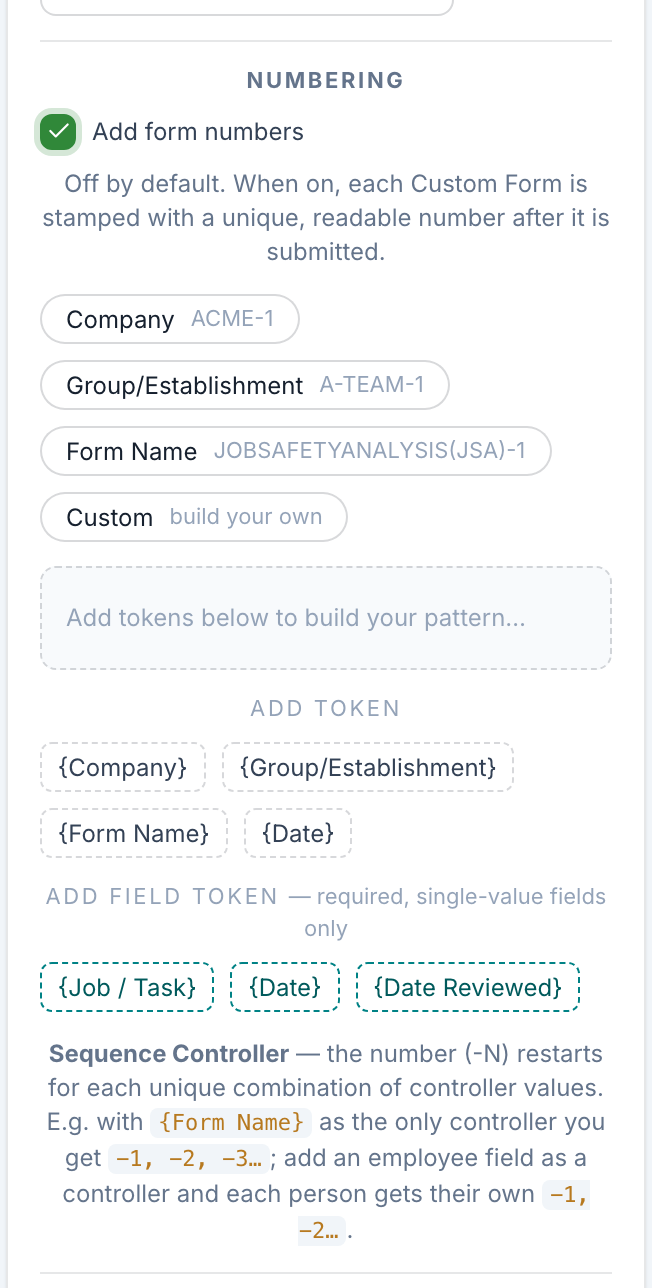
Find the Numbering section and check Add form numbers.
Pick a starting point
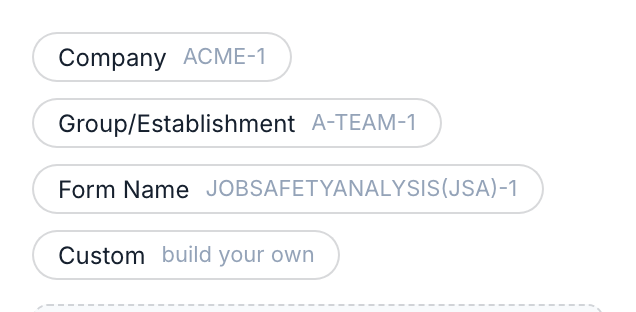
As soon as numbering is on, four quick-start options appear. Each sets up a common pattern that you can keep or customize:
Company — numbers like ACME-1
Group — numbers like A-TEAM-1 (this uses your workspace's own name for a Group)
Form Name — numbers like INSPECTION-1
Custom — start from a blank pattern and build your own
Building your number pattern
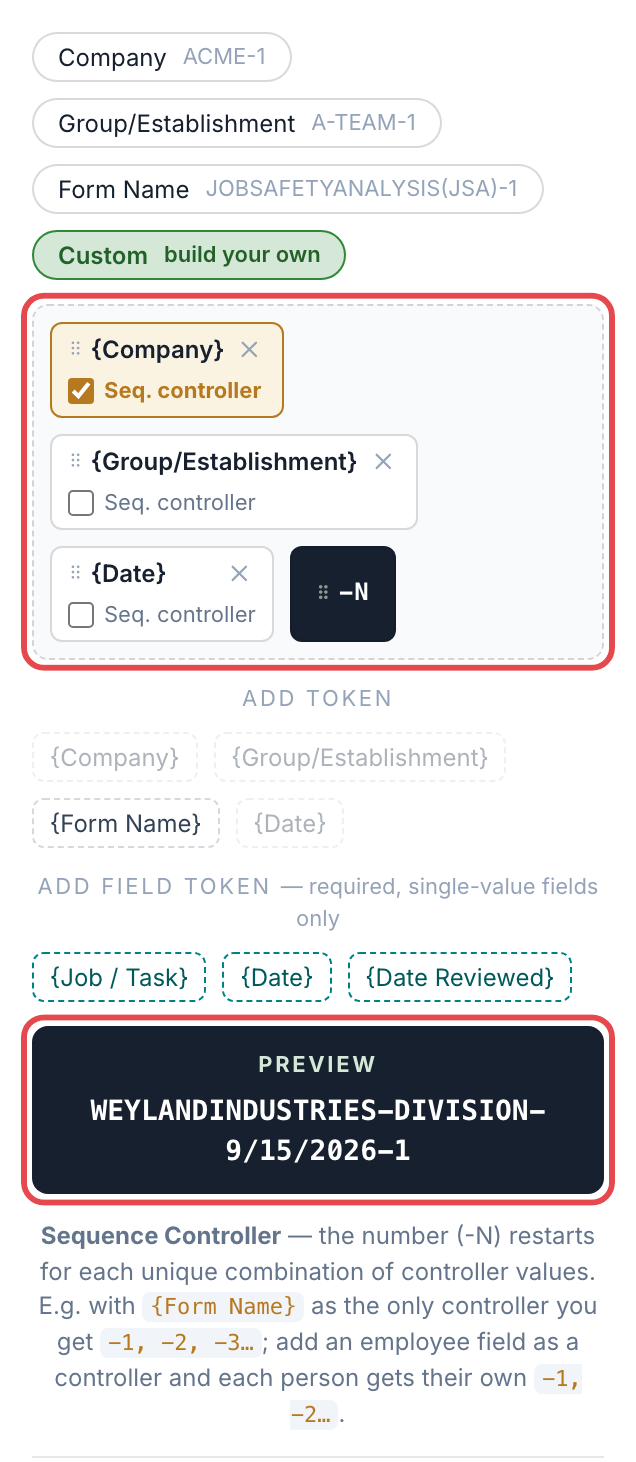
A form number is a series of tokens joined by dashes, ending in -N — the counter that ticks up automatically. Use Add token to add any of:
{Company} — your company name
{Group} — the Group the form was filled out under
{Form Name} — the name of the form
{Date} — the submission date
Drag tokens to reorder them (you can move the -N counter too). The live Preview shows exactly how a finished number will read.
Sequence Controllers — how the counter restarts
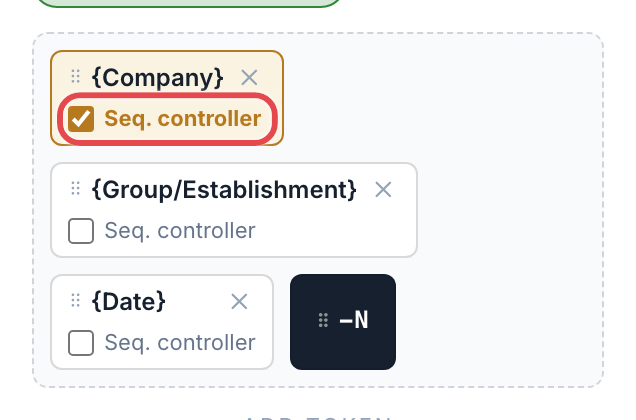
This is the most important setting to understand. Every token has a Seq. controller checkbox. The counter (-N) restarts at 1 for each unique combination of the controller tokens' values.
With {Form Name} as the only controller, you get one running count: -1, -2, -3…
Add an employee field as a controller, and each person gets their own -1, -2…
You must mark at least one token as a Sequence Controller before the form can be published.
Pulling a value from the form
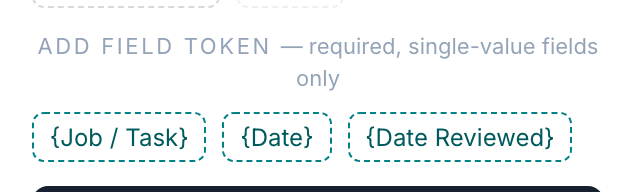
You can also drop a value from the form itself into the number. Under Add field token you'll see every field that is required and holds a single value — for example a dropdown, a date, or a single-line text box. Multi-line and multi-select fields aren't eligible.
Where the number appears
Once a form is submitted, its number shows up:
On the form's header, next to Form #
In the form list
On PDF and CSV exports, and in notification emails
Want a different label than "Form #"? You can rename it right in the form header.
Good to know
Numbers are assigned when a form is submitted, not while it's still a draft — so the number reflects the real order forms come in.
Turning numbering on only affects forms submitted from that point forward; it doesn't renumber past submissions.
The pattern needs at least one Sequence Controller to be valid.